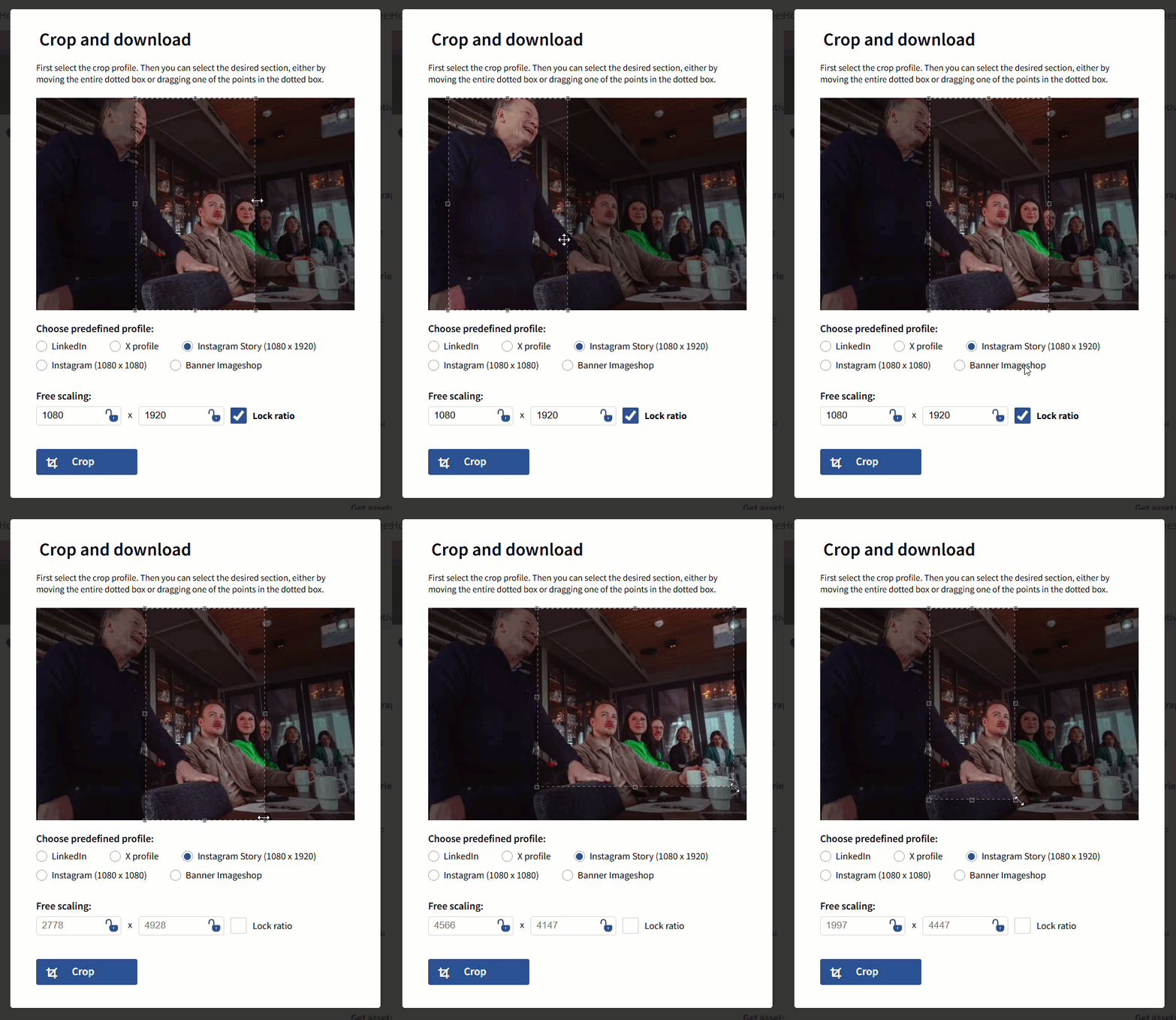
The crop module allows you to download a snippet of the image. You can use the predefined crop profiles or manually enter the height x width. Cropping is an additional module. For prices, contact: support@imageshop.no- Find the image you want to crop and click into the image.
- Click "crop" to the right of the image.
- Choose one of the predefined cropping profiles or enter the correct pixel sizes under "Free scaling".
- Move the cropping section to the part of the image you want and click "crop".
- The cropped version will be downloaded to your computer. It will not affect the original version of the image,
and it will not affect the storage in Imageshop.