As an administrator, you can easily correct spelling mistakes across multiple images at the same time using the spelling correction feature. This makes it easy to update metadata and ensure consistent spelling throughout your image bank.
How to Add a Spelling Correction
- Go to admin – admin5.imageshop.no
- Click your name in the top right corner and select “Settings”.
- Select “Misspellings”.
- Click “Add misspelling”.
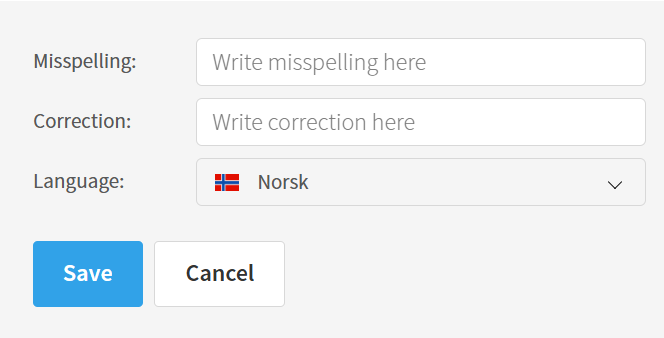
- If your solution includes multiple languages, select which language the spelling correction should apply to.
- Important: The word must be written exactly correctly, including uppercase and lowercase letters. If the misspelling exists both with uppercase and lowercase first letters, you must create two separate spelling corrections.
- Enter the misspelled word and the correct spelling.
- Click “Save”.
Correct Misspellings Across Multiple Files
Once the misspelling has been saved, you will see an overview of how many files contain the word. Click “Correct” to update the misspelling across all files at the same time.
