If your company has the cropping module included in your Imageshop solution, you can create and customize your own image crop profiles. This makes it easy for users to extract the correct formats tailored to various channels.
Note: Cropping is an additional module that carries an extra cost. If you wish to activate this functionality for your solution, please contact us at support@imageshop.no.
How to create a new crop profile
- Log in to the administration panel via admin5.imageshop.no.
- Click on your name in the top right corner to open the user menu, and select «Configuration».
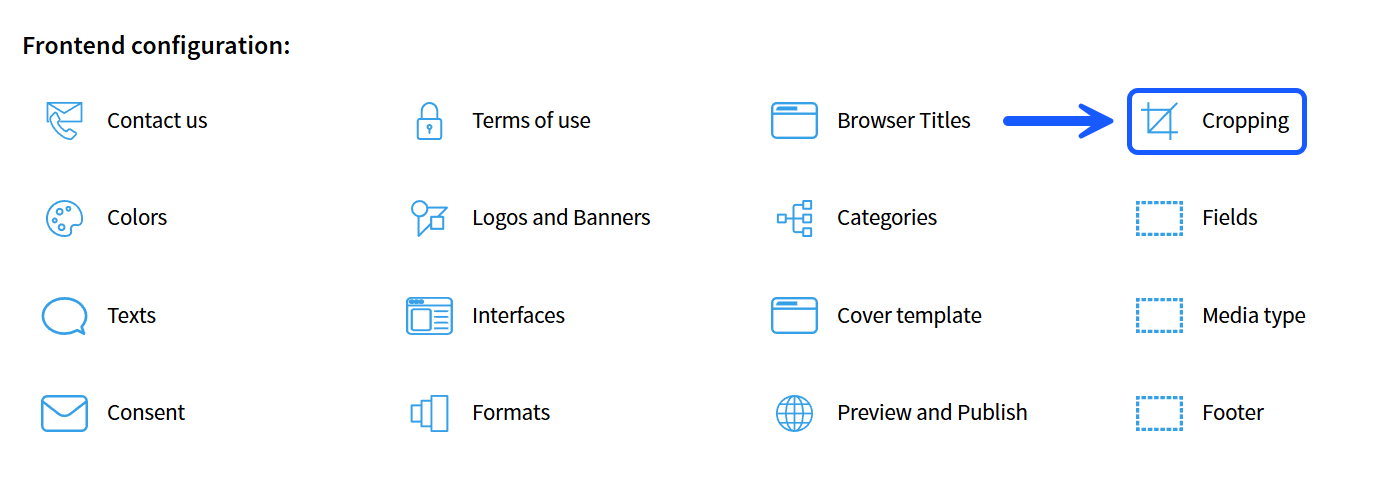
- Select the «Cropping» option from the menu.
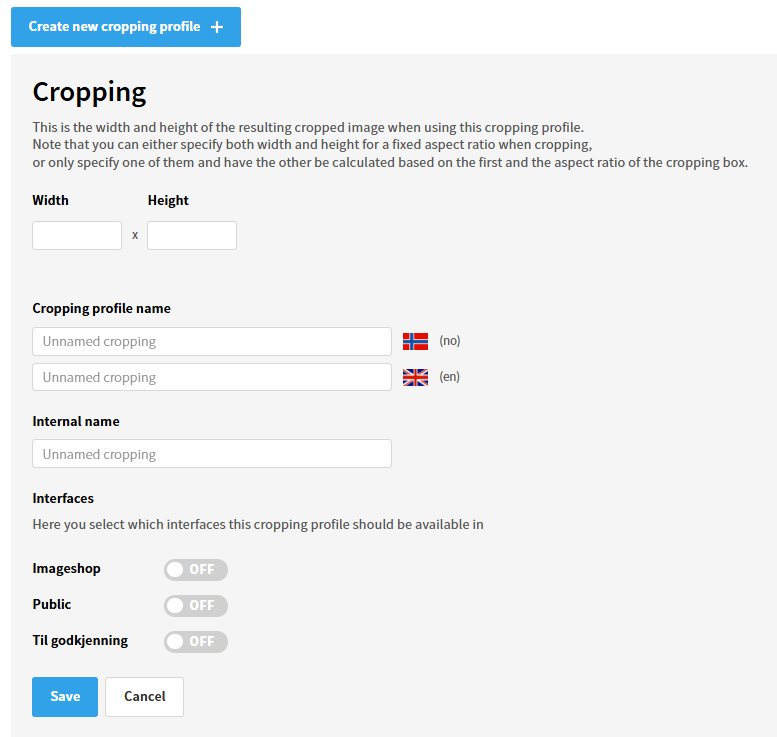
- Click on the button labeled «Create new cropping profile».
- Enter your desired height and width (in pixels), and give the profile a name. If your solution has multiple active languages, you can enter the name for the different languages here. The internal name field will only be visible to administrators within the settings.
- Select which interface (image bank) this profile should be available for, and click «Save».
How to activate and publish the profile
For the new crop profile to become visible and available to users in the image bank, the changes must be published:
- Go back to the main menu for «Configuration».
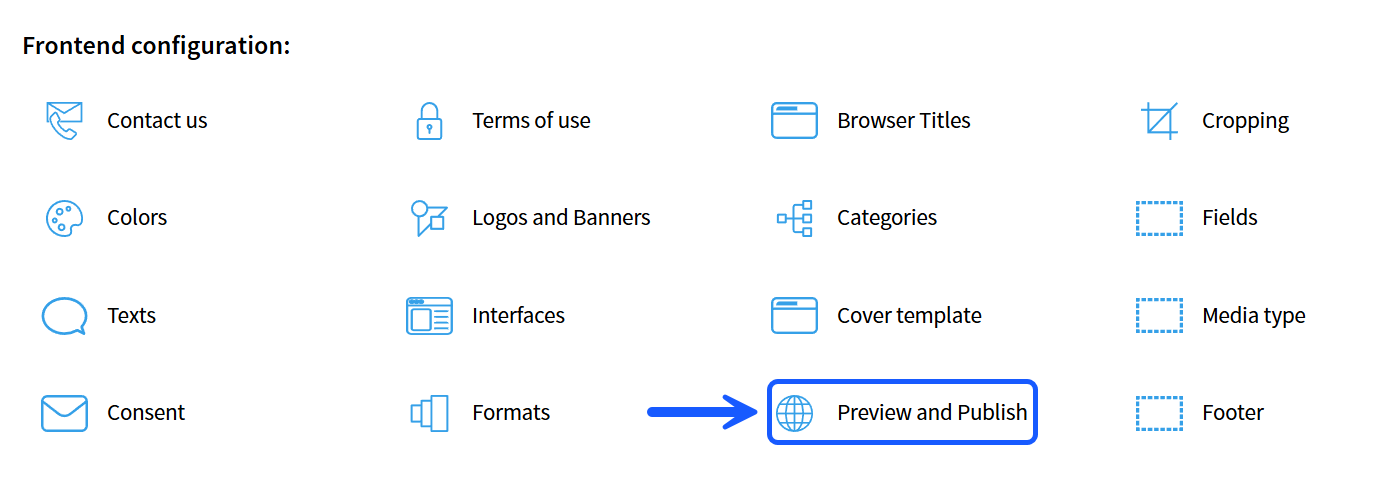
- Select the menu option «Preview and publish».
- Click the publish button for the relevant interface to roll out the new profile.