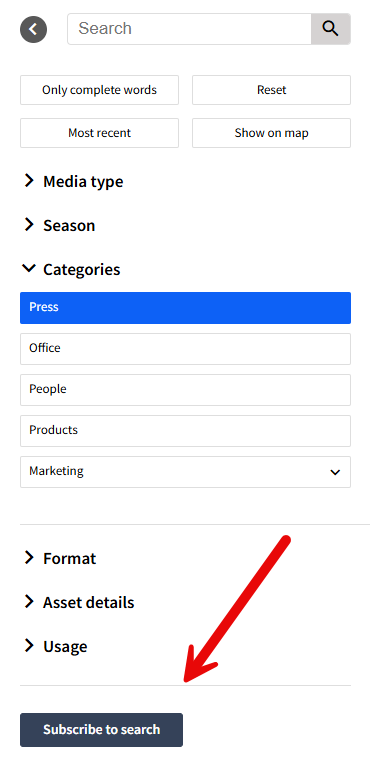
In Imageshop, all users can subscribe to a category or spesific search to receive a notification by e-mail when new files are uploaded that match the search they have saved.
| Procedure | |
|---|---|
|  |
| 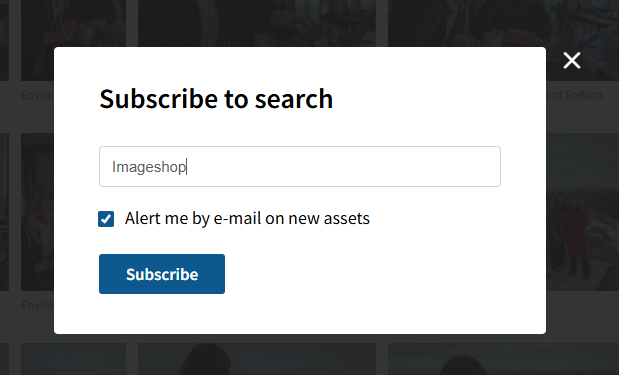 |
Imageshop checks once a day whether there are new files that match your search. You will then receive an email if a user has uploaded new content.
See all your saved searches
Click on the menu item "My searches" to see an overview of your searches
- Click on the menu item "My " to see an overview of your searches.
- You can share the search with another user by clicking "share search" he or she will also be notified of new files.
- You can rename the search by clicking "Change name".
- You can also delete the search when you no longer need notification, or turn off the notifications by unchecking "send notificationby e-mail for new files"