With projects you can easily create collections of files, share and comment with other users, send to external partners and download the project.

Add images to a project

  • Click the Project-tab in the top menu
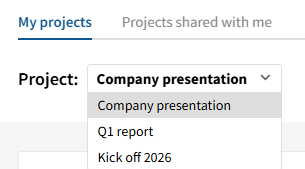
  • Create a new project or choose an existing one from the dropdown menu
  • Find the images you wish to add to the project, highlight them and click "Add to project" on the bottom bar

Edit, comment & download project

  • In the dropdown menu you can navigate between you projects. There is a separate tab for projects shared with you 
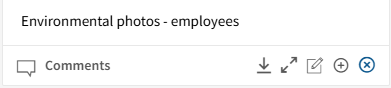
  • Beneath each photo in the project you'll find options to see comments, download, enlarge, add comment, add image to your downloads or remove image from project
  • In the top menu you can also find options to change project name, share, add all files to your downloads and read or add comments to the project it self.

Share project with partners

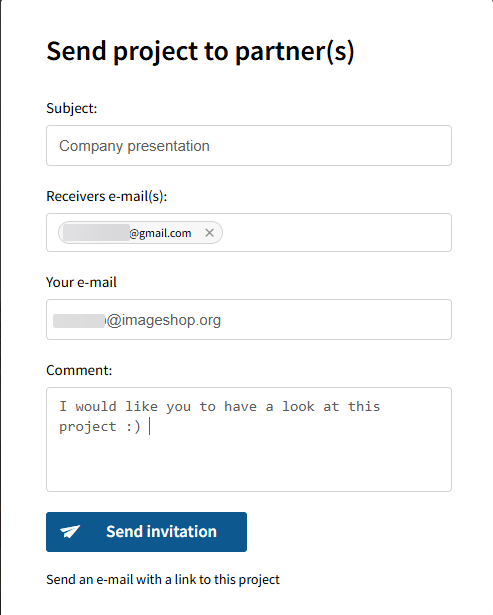
  • Click "Share project" and fill in the recipient(s) e-mail adresse. Projects can be shared with external partners as well as existing users in your media bank
  • Project partners who do not have a user in your media bank will only access the project and will not see other content, unless your media bank is open to all users.
  • Project partners who have a user in your media bank will be able to add images to the project, but can not remove images added by other users
  • You as owner of the project will be able to remove images added by other users