You can either delete one image at a time, or select multiple images and delete them simultaneously.
A - Delete One Image
- Log in to admin - admin5.imageshop.no
- Find the image you want to delete.
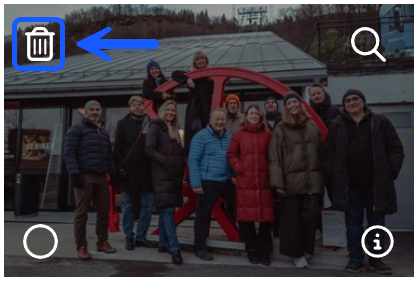
- Hover over the image and click the red circle.
- Confirm that you want to delete the image by clicking “Delete”.
B - Delete Multiple Images
- Select the images you want to delete.
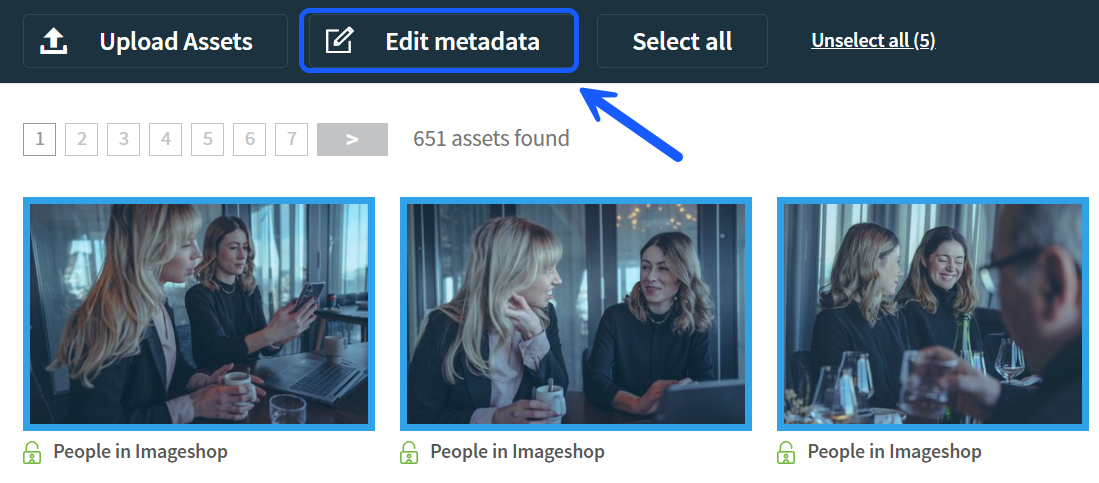
- Click "Edit metadata" at the top of the page.
- Click “Select all”.
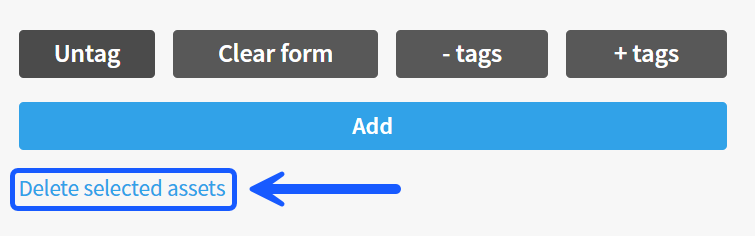
- Click “Delete selected asssets” at the bottom of the page.