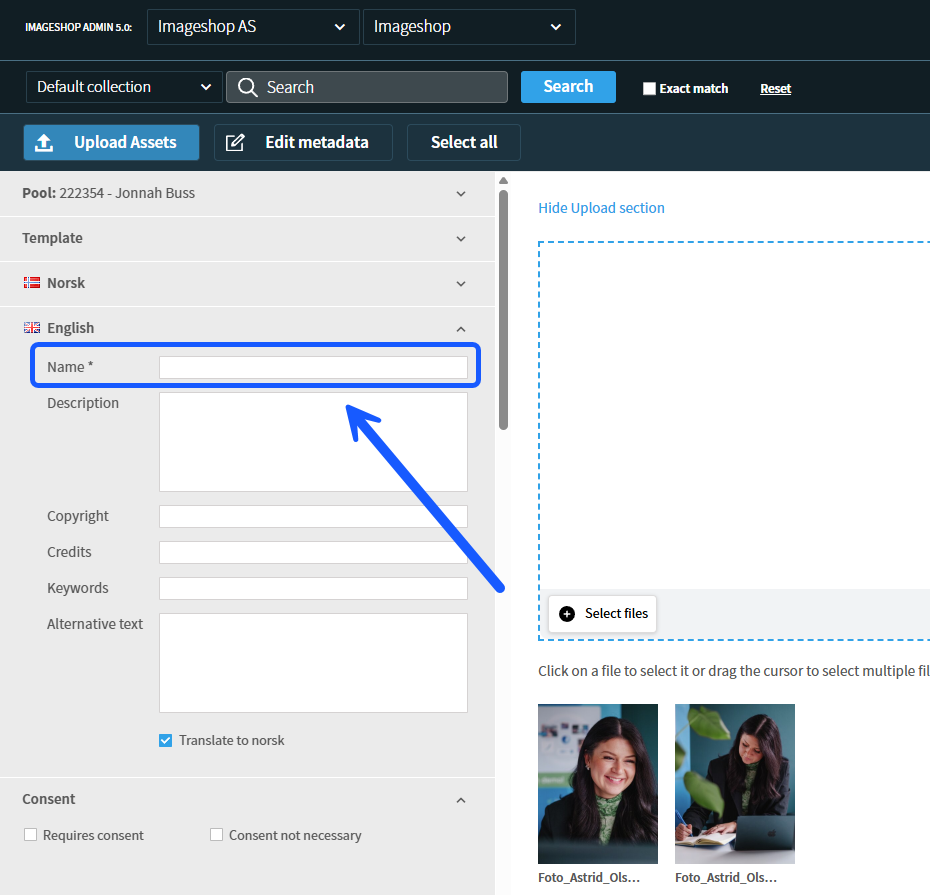
As an administrator, you can define which metadata fields and categories must be filled out before a user is allowed to upload and publish files in Imageshop. This ensures that necessary information is always registered.
How to configure required fields
- Log in to the administration panel via admin5.imageshop.no.
- Hover your mouse pointer over your name in the top right corner to bring up the user menu, and click on «Configuration».
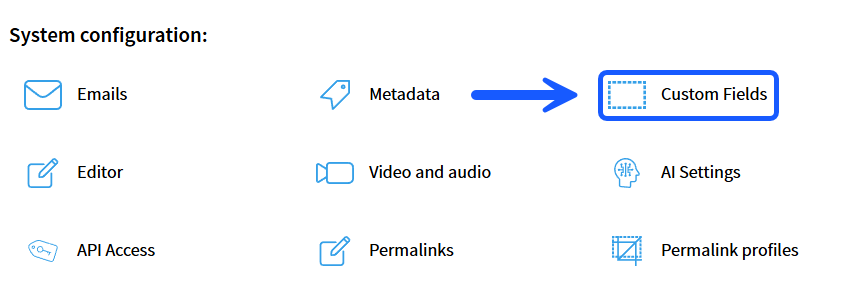
- Click on «Custom fields» in the menu.
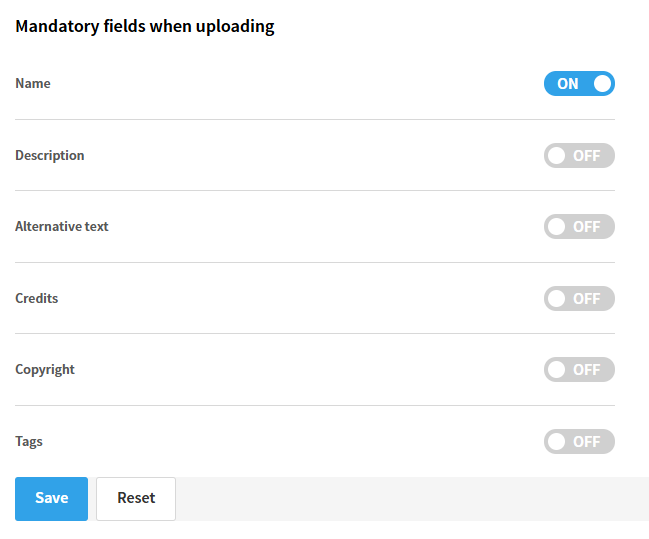
- In the overview that appears, you can use the on/off toggle switches in the column for required fields to choose which standard and custom fields are mandatory during upload.
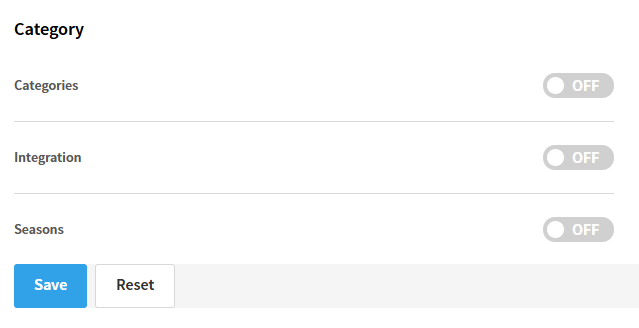
- If you scroll further down the page, you will find the section named «Category». Here, you can similarly check the boxes for which category trees the user is required to select values from when uploading files.
- Click on «Save». Important: After saving your changes, you must log out of the administration panel and log back in for the new rules to become active in the interface. Required fields will then be indicated with a asterisk (*) next to their name in the upload form.