If you are uploading a new image that should contain the same metadata and information as an existing image in Imageshop, you can easily copy the information automatically. This saves time and helps maintain consistent metadata across multiple files.
How to Do It
- Log in to admin – admin5.imageshop.no
- Open the image you want to copy information from by clicking the info icon in the bottom right corner of the image.

- Click the “Save & add similar” button.
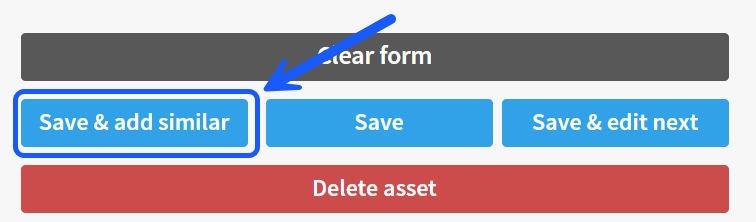
- You will now be redirected to the upload page. The form on the left side will already be pre-filled with the same information as the original image.
- Upload your new images as usual.
Tips
- Perfect for uploading multiple images from the same photoshoot or event.
- Review the metadata before publishing if some images require different information.
- You can still edit the metadata manually before uploading.