As an administrator in Imageshop, you can easily update logos, banners, and favicons for your media bank. You can customize:
- Front page banner
- Logo
- Favicon
- Login page background image
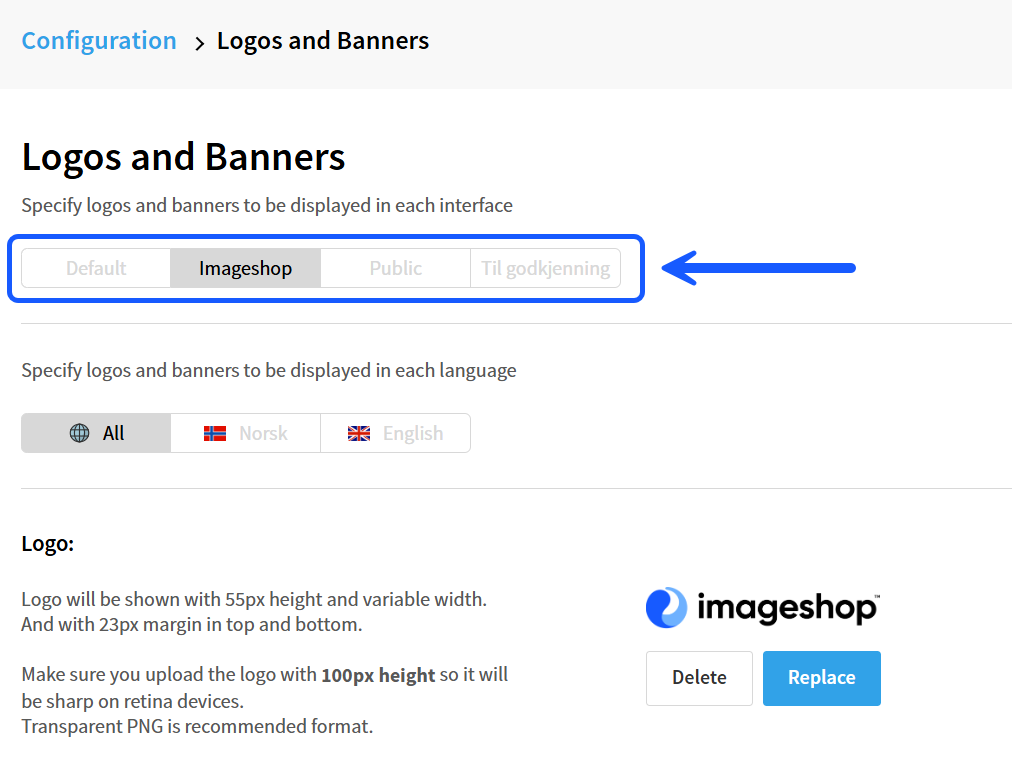
You can also use different logos and banners for different interfaces and languages.
How to find the configurations
- Log in to admin5.imageshop.no.
- Click your name in the top right corner and select “Configuration”.
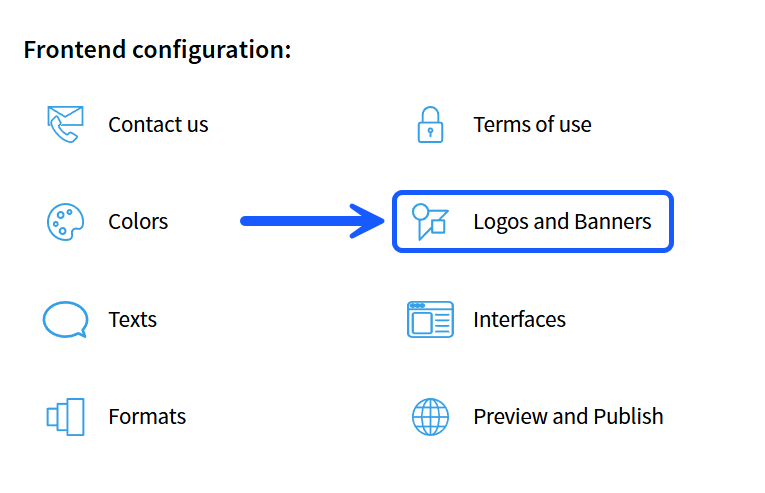
- Select “Logos and banners”.
Change logo or banner for one specific interface
- Click the interface you want to edit in the tabs at the top of the page.
- Upload or replace the desired logo or banner.
- Click “Save changes” at the bottom of the page.
Change logo or banner for all interfaces
- Click the “Default” tab at the top of the page.
- Upload or replace the desired logo or banner.
- Select the interfaces at the bottom of the page and click “Copy current interface to”.

Publish the changes
The changes will not be visible to end users until the interface has been published.
- Go back to “Configuration”.
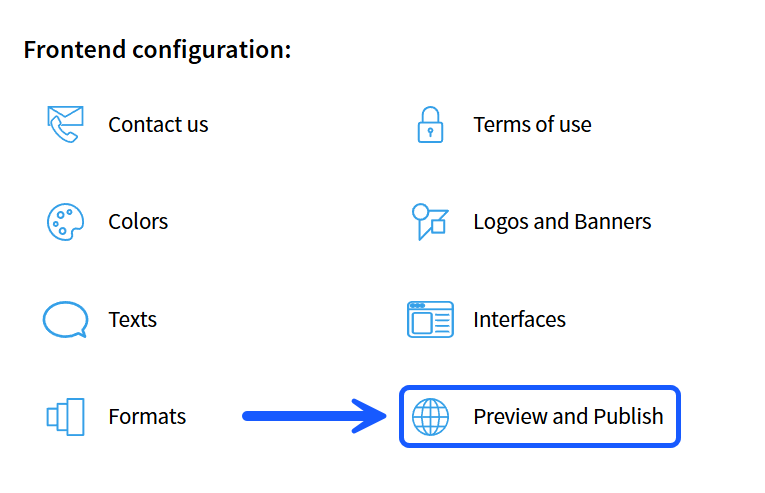
- Select “Preview and Publish”.
- Publish the interfaces where you made the changes.
Tips
- You can use different logos for different languages if you have separate Norwegian and English versions.
- Use the “Default” tab if you want to update multiple interfaces at the same time.
- Remember to publish after making changes, otherwise the updates will not be visible to users.