If you have tagged an image incorrectly, or wish to change existing information, you can easily do this in the administration panel.
How to edit metdata on an image
- Log in to the administration via admin5.imageshop.no.
- Locate the image you want to edit.
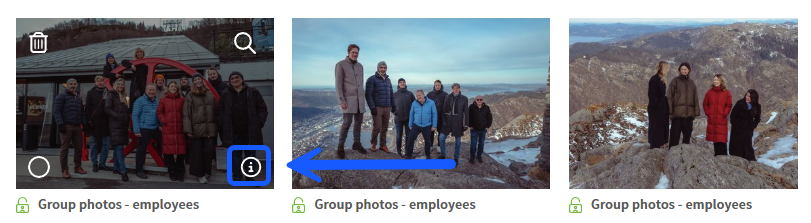
- Click on the info icon (i) in the lower right corner of the image. You can also click in the middle of the image itself, as long as you do not click any of the other icons.
- Make the desired changes in the metadata form that appears on the left side.
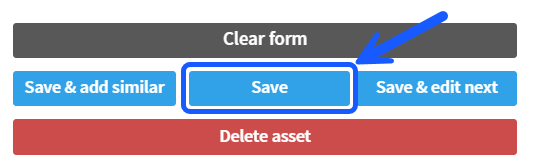
- When you are finished, choose one of the following options:
- Click on «Save» if you only want to update this single image.
- Click on «Save & edit next» if you have multiple images you want to edit in succession.