In Imageshop, you can choose which title should be displayed in the browser tab for the various pages in your image bank. This makes it easy to customize the texts to match your own brand, and you can set up unique titles for different interfaces and languages.
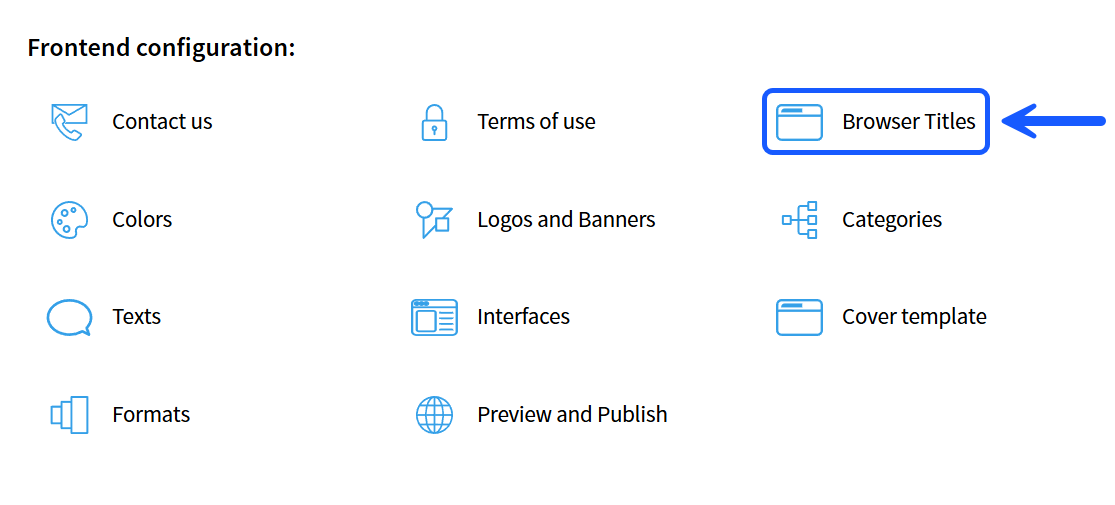
How to find "Browser titles"
- Log in to admin5.imageshop.no.
- Click on your name in the top right corner and select «Settings».
- Click on «Browser titles» in the left menu.
How to change the titles
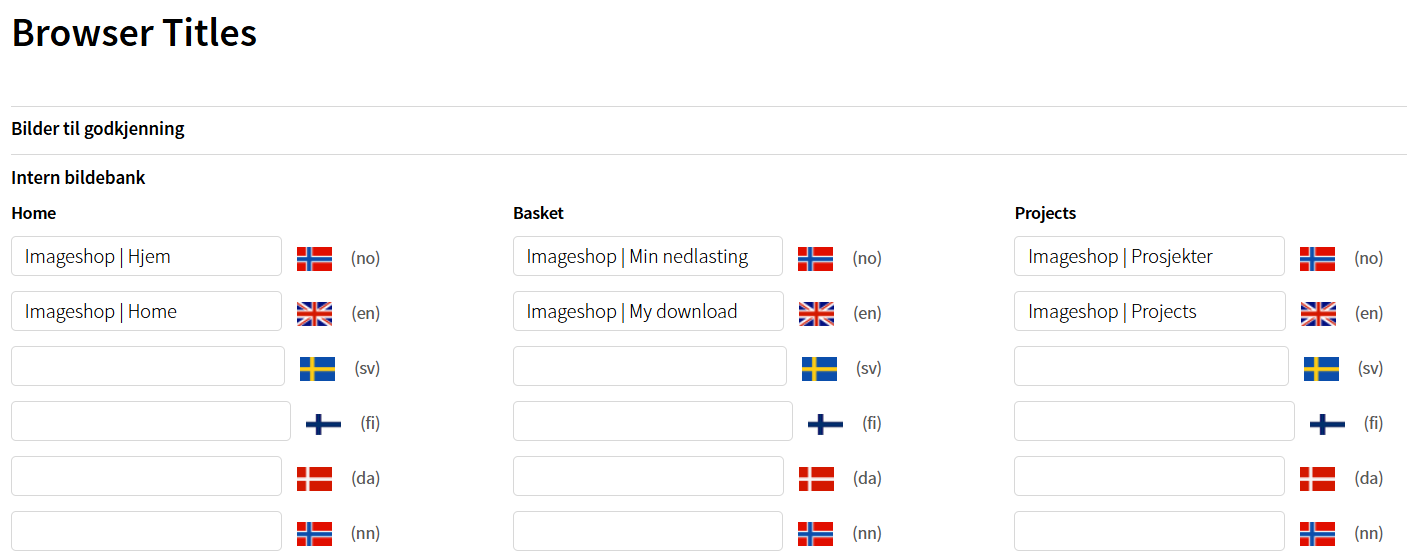
- Click on the interface you want to edit in the tabs at the top of the page.
- Enter the desired title for the different pages in the text fields for each language.
- Click on «Save» to save your changes.
Tips
- Remember to fill in titles for all active languages if your image bank is multilingual.
- Good and descriptive page titles make it more user-friendly for both internal and external users to navigate between open tabs in their browser.
- Just like with other settings, the changes must be published via «Preview and publish» before they become visible to end users.